
Website, Web App, or Mobile App? Which One Do You Need?
What's the difference between a website, a web app, and a mobile app, and which one does your project need? A plain-language guide.
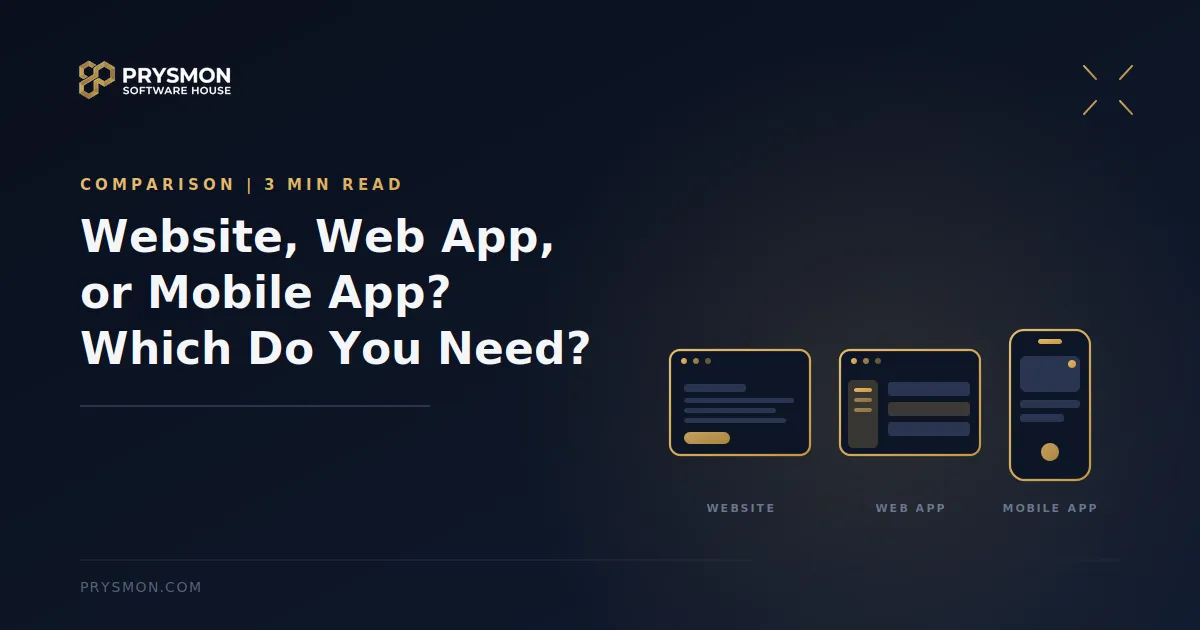
One of the questions that comes up most in a first meeting with a software team is: "What exactly do you want, a website or an app?" Often the answer isn't clear, because these terms get mixed up in everyday language. Yet each one answers a different need, and choosing the wrong one costs both time and budget.
Let's walk through how the three differ and how to tell which one you need, in plain language.
What is a website?
A website exists mainly to tell visitors something: it introduces your company, shows your services, and lets people get in touch. Visitors usually read, browse, and maybe fill in a form. When you want to change the content, you can edit the pages yourself from an admin panel. It's also where people most often find you first, so it's the foundation of showing up in search engines.
What is a web app?
A web app also opens in a browser, but its purpose isn't to inform, it's to get work done. Users sign in, enter data, track records, and pull reports. Admin panels, customer portals, and appointment or order systems fall into this group. Different users get different permissions: a manager sees everything, while an employee sees only their own work. If what you want to build is a working environment, you most likely need a web app.
What is a mobile app?
A mobile app is installed on the phone and can use features like the camera, notifications, and location. It's usually published for iOS and Android through the app stores, which have their own approval processes. A mobile app makes sense when users are out in the field, need frequent notifications, or have to take and upload photos.
How do you know which one you need?
Four questions make the decision easier:
Who will use it? Everyone, or specific users who sign in?
Will they only read, or also take action?
Is it used at a desk, or in the field?
Do you need phone features like the camera, notifications, or location?
If you want to tell something to everyone, that's a website. If you're building a system where specific users get work done, that's a web app. If that system needs to be used from a phone in the field, a mobile app comes into play.
Most projects aren't just one thing
In practice, these three often work together. For example, we built a corporate website for a healthcare organization and made every part of the site controllable from a single admin panel: the site visitors see and the application that manages it work as one connected system. With GoProp, the web workspace and the mobile apps access the same data, so the person at a desk in the office and the person out in the field see the same records.
Where should you start?
You don't need to build all of them at once. For many projects, the sensible starting point is the web side: a single version is built, there's no app store approval to wait for, and changes can go live quickly. With GoProp, we ran our first tests on the web too. We covered what to put in the first version and what to leave for later in our post What Is an MVP?
The bottom line
The right choice isn't the one with the most features, it's the one your users actually need. If you're not sure which one you need, that's fine; it's one of the first questions in a needs analysis.
If you'd like to work out together whether your project should be a website, a web app, or a mobile app, tell us about your project.
Written by the Prysmon Team